If your website hosting is managed through Blake Mark Productions, you may be able to access your WordPress dashboard directly through your Client Area without entering separate WordPress login details.
If this option is unavailable for your website, visit:
yourwebsite.co.uk/wp-admin
Then sign in using your WordPress username or email address and password.
Note: If you have forgotten your password, click the Lost your password? link on the login screen to reset it via email.
How to add a new WordPress administrator.
- Log in to your WordPress website
When you’re logged in, you will be in your Dashboard. - Go to Users
In the menu, click on Users.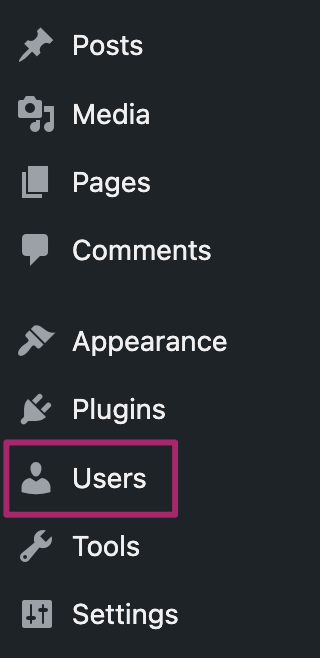
- In the Users menu, click on Add New User
At the top of the page, click on Add New User.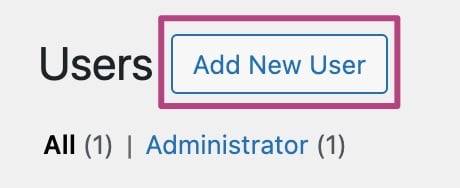
- Fill out the form and set the role to Administrator
Fill in the Username, Email, First Name, and Last Name fields, then scroll down to the Role dropdown and select Administrator.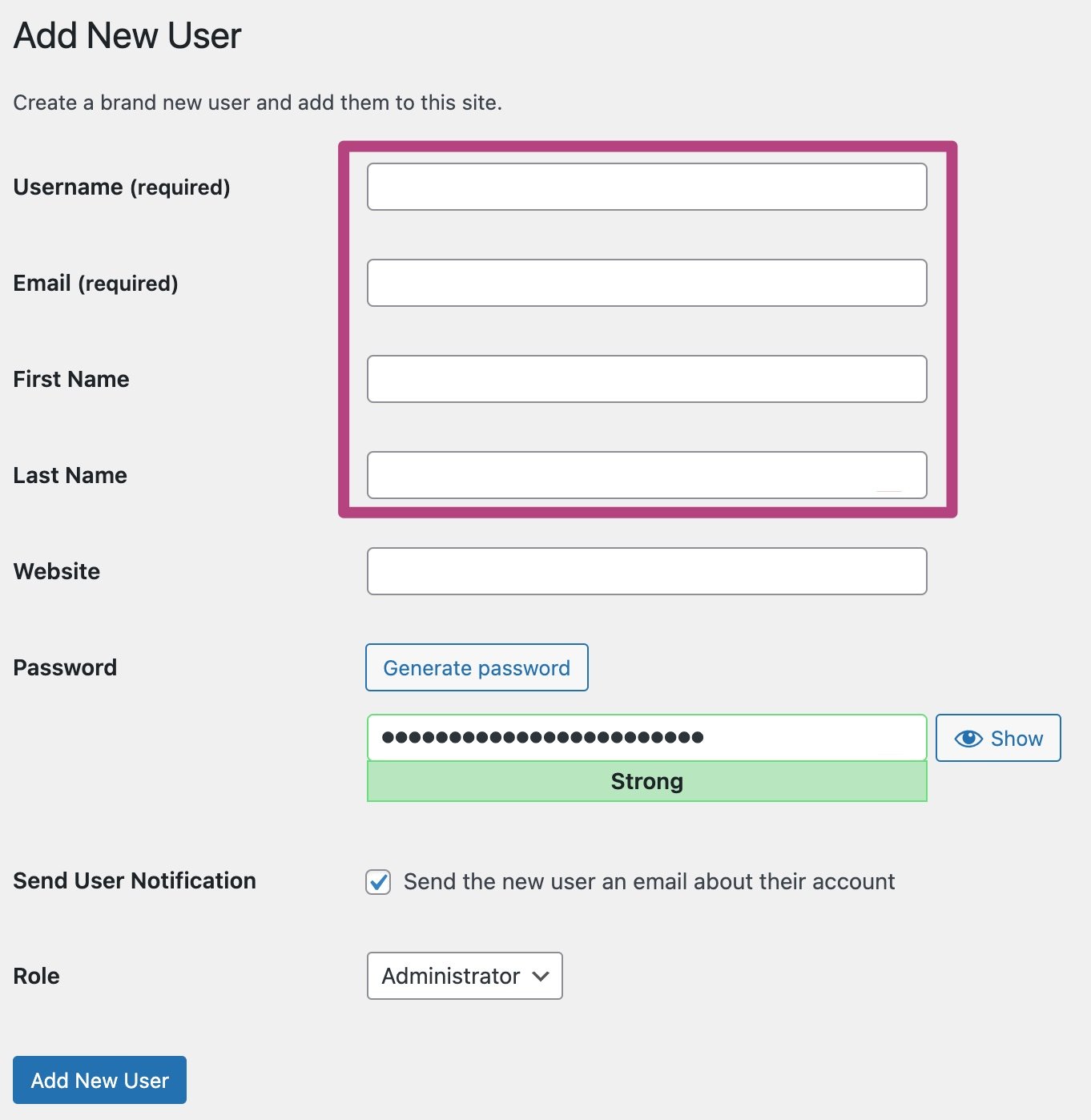
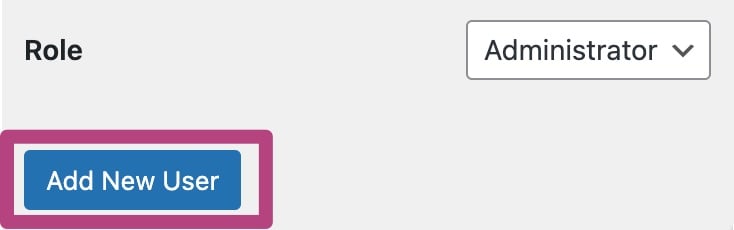
- Click Add New User to confirm the new administrator
Your new user will receive an email invitation. Once they accept it and set their password, they will have full administrator access to the WordPress site.